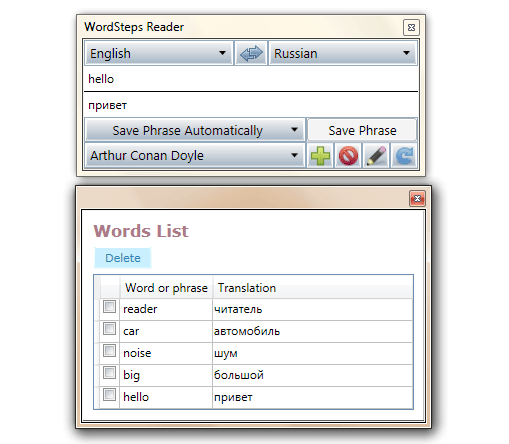
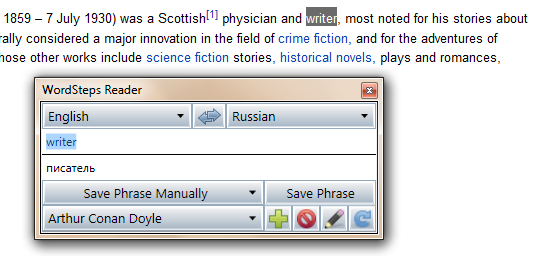
| Автоматический перевод слов, фраз и предложений (с использованием Google Translate). | |
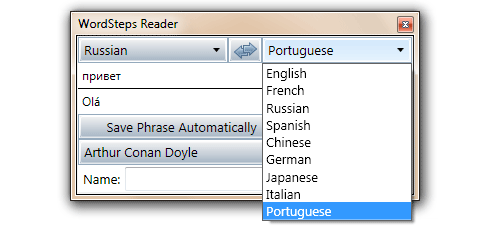
| Учи любой из 32 языков: английский, арабский, болгарский, венгерский, голландский, греческий, иврит, индонезийский, испанский, итальянский, казахский, китайский, корейский, латышский, немецкий, норвежский, персидский, польский, португальский, русский, санскрит, сербский, тайский, турецкий, украинский, финский, французский, хинди, чешский, шведский, эсперанто, японский. | |
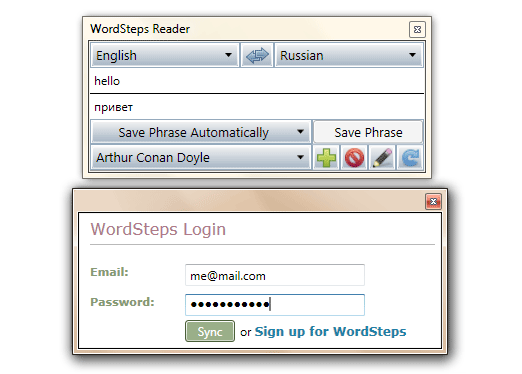
| Synchronize words with WordSteps.com | |
| Горячие клавиши быстрого перевода слов: Ctrl + C + C и Ctrl + Ins + Ins | |
| Add new words manually and while reading. | |
| Перевод слов везде: в веб-браузерах, документах MS Word, PDF-файлах и пр. | |
| Обучайся бесплатно! |
 русский▼
 English
 español
 italiano
 日本語
日本語 中文
中文 português
 français
 Deutsch
 Оставьте нам Отзыв